Execute a job template with a survey
Challenge 3 - Running the Network-Banner automation job
This challenge will walk you through using automation controller to execute the Network-Banner job you created on the 1st and 2nd challenge.
Launching a job
You can launch a Job from the Job Template listings window (where all Job Templates are listed when you click on Job Template) OR the individual Job Template you want to execute.
-
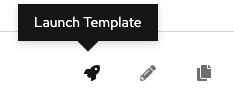
To launch straight from the Job Template listings window, click on the rocket ship icon:
Survey Prompt
-
Your survey will launch a walkthrough window with questions for the user:
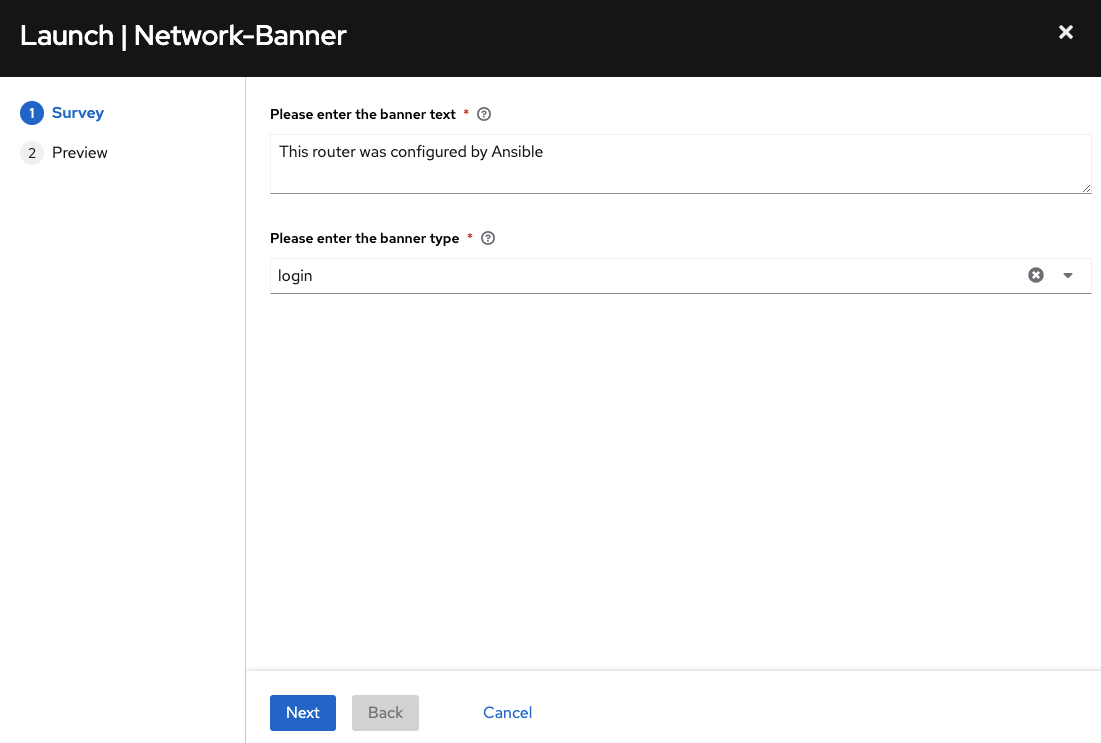
This creates guard rails for automation users to have specific control to variables you will allow them to control.
Lets get started
That is the end of of your lab briefing!
For this challenge we are going to run the Network-Banner job template
Login to automation controller
-
If you have been logged out make sure to log back in. To login to automation controller select the
Automation controller WebUItab at the top of your screen. -
Login with the following credentials:
username
admin
password
ansible123!
Step 1 - Execute Network-Banner Job Template
-
In the left navigation menu, expand Automation Execution and then click on Templates.
-
To execute the Network-Banner click the rocket button which incidates the launch job button:

-
The job will immediately prompt the user to set the banner and the type.
-
Type in the banner message.
This router was configured by Ansible
-
Choose
motd. -
Click next to see how the survey rendered the input as extra vars for the Ansible Playbook. For this example the banner text is set as
This router was configured by Ansible. -
Click the Finish button to kick off the job.
Takeaways
You have successfully demonstrated:
-
Creation of a Job Template for configuring a banner on multiple network operating systems including Arista EOS, Cisco IOS and Juniper Junos.
-
Creation of a self service survey for the Job Template to fill out the
network_bannerandbanner_typevariables -
Executing a Job Template that can run on hundreds of network devices and platforms simultaneously