Lab Guide: Operational Efficiency with Event-Driven Ansible
A guide to using the advanced features of Ansible Automation Platform, like Event-Driven Ansible, to reduce resolution time and prevent outages.
Scenario: Operational Efficiency
Up until now, you have focused on technical automation. To unlock additional value, you can use Ansible Automation Platform to orchestrate between systems and act as the "glue" in your organization.
While your streaming platform is now easier to provision and configure, failures still happen. What if you could automate the response to those failures?
| Ansible Automation Platform | ServiceNow |
|---|---|
|
|
Simulating an Application Failure
Last week, your streaming service was disrupted by an application failure that took hours to resolve. Let’s see how Ansible Automation Platform could have helped.
-
Verify the web application is working.
Navigate to the
Webapptab in your lab environment. You should see the application is online and working correctly. -
Meet the "Co-Worker Simulator".
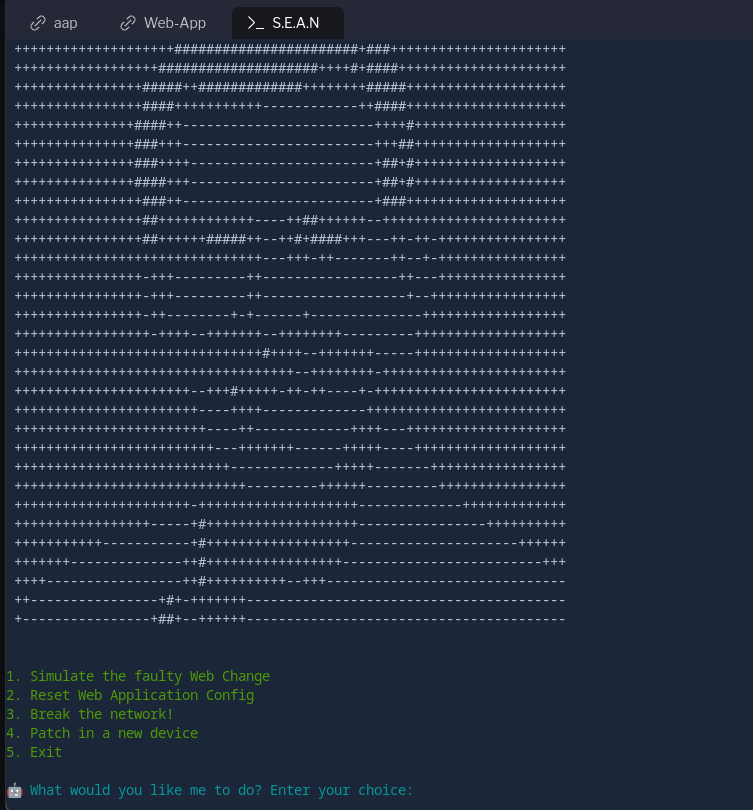
To simulate the failure accurately, you will use a tool named S.E.A.N. This simulator uses the Ansible Automation Platform API to create issues on demand.
-
S: System Saboteur
-
E: Error Magnet
-
A: Antisocial API
-
N: Network Nullifier
-
-
Create an API token in AAP.
Navigate to your
aaptab. From the main menu, go to Access Management → Users. Select theadminuser and click on the Tokens tab.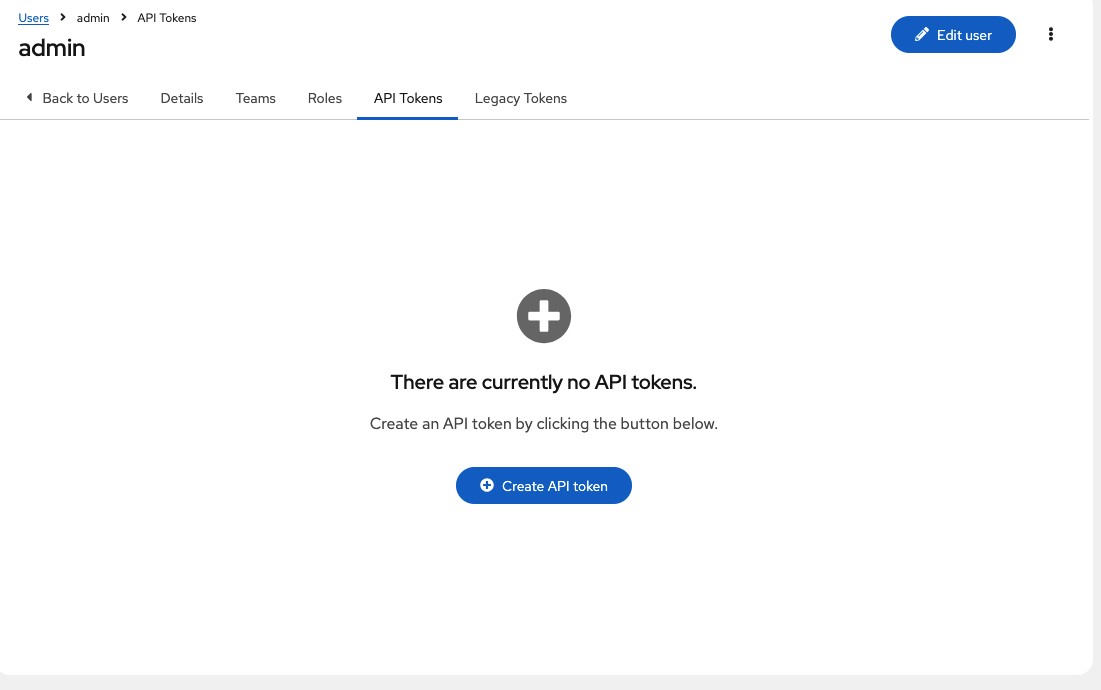
Click the Create token button and configure it with the following details:
-
OAuth application: (leave blank)
-
Description:
API Access Token -
Scope:
WriteClick Create token and copy the generated token.
-
| You will only see this token once. Be sure to copy it, as you will need it to authenticate S.E.A.N. In addition it is recommended to copy the token using right-click and dont rely on the copy function in the lab. |
-
Authenticate the S.E.A.N simulator.
Navigate to the
S.E.A.Ntab. When prompted, paste the API token into the terminal. Once authenticated, a menu of options will appear.
Note all the following jobs can manually be run on the Ansible Automation controller, you can find these under Templates, if you do not want to use S.E.A.N
-
Simulate the application failure.
Select option 1 to run the
Break Web-Applicationjob. You can navigate to theaaptab and view the job running under Automation Execution → Jobs.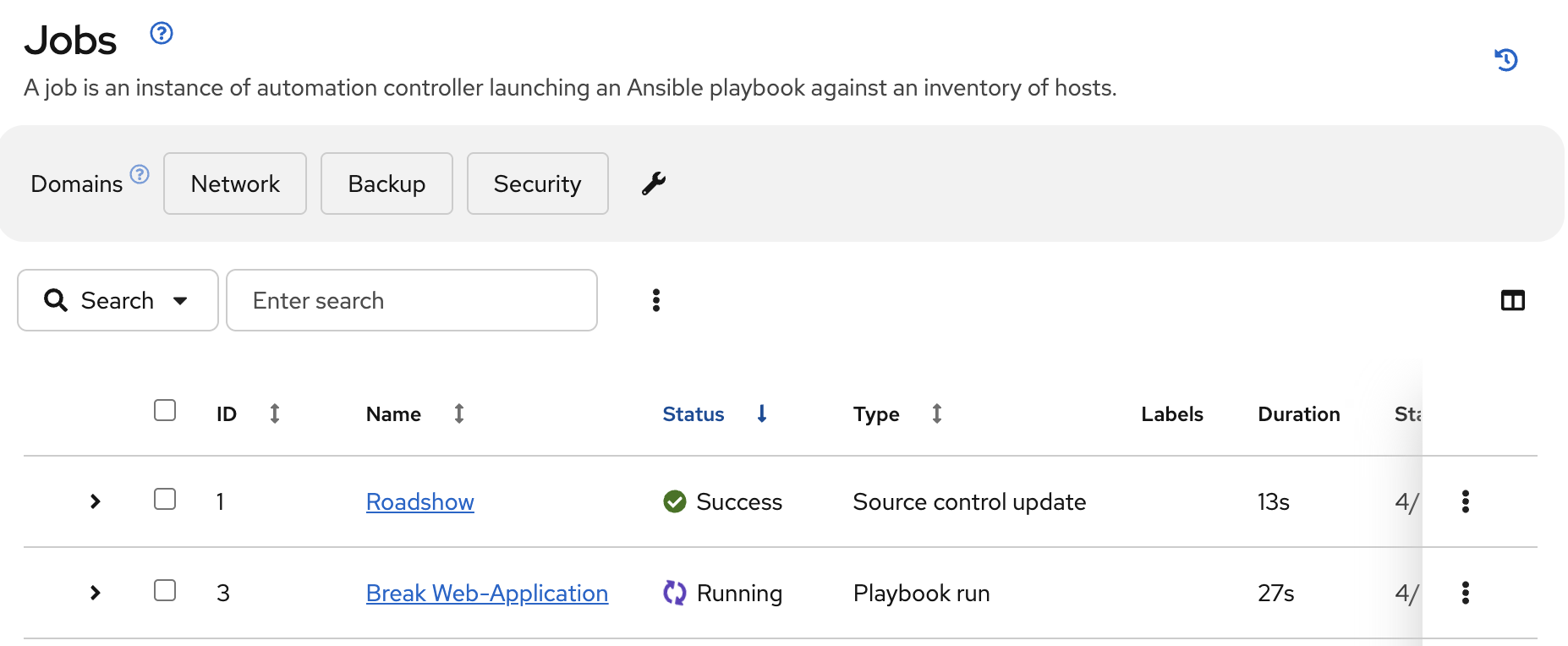
-
Verify the application is broken.
Once the job completes, refresh the
Webapptab. You should now see an error message.
-
Restore the application.
Return to the
S.E.A.Ntab and select option 2. This will run theRestore Web-Applicationjob. Verify in theaapJobs view that it completes successfully, then refresh theWeb-Apptab to confirm the application is back online.
Automating Remediation with Event-Driven Ansible
Simulating the failure was useful, but now let’s prevent it from causing downtime in the future using Event-Driven Ansible.
-
Navigate to Rulebook Activations.
In your
aaptab, go to Automation Decisions → Rulebook Activations. This is where you can configure Event-Driven Ansible to listen for specific events and trigger automated responses. -
Create a new rulebook activation.
Click Create rulebook activation and configure it with the following details:
-
Name:
Web-App Event -
Description:
Rulebook to listen to configuration issues -
Organization:
Default -
Project:
Roadshow -
Rulebook:
Webapp.yml -
Credential:
AAP -
Decision environment:
Web Server -
Restart Policy:
On failure -
Log Level:
ErrorClick Create rulebook activation.
-
-
Wait for the rulebook to be active.
On the Rulebook Activations page, wait for the status of your new activation to change to Running.
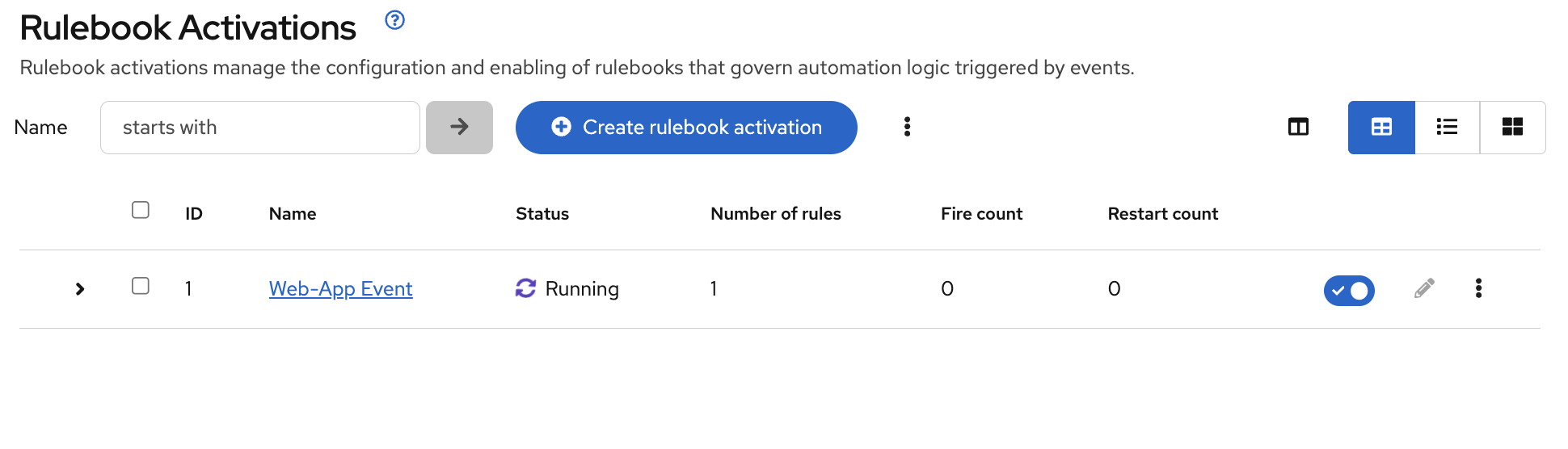
Your Ansible Automation Platform is now actively listening for events from the application server. The
Webapp.ymlrulebook is configured to watch for a failure of thehttpdservice. -
Trigger the failure again.
Navigate back to the
S.E.A.Ntab and select option 1 one more time to break the application. -
Observe the automated remediation.
Go directly to the
aaptab and watch the Automation Execution → Jobs page. You will see theBreak Web-Applicationjob run as expected. However, a few seconds after it completes, theRestore Web-Applicationjob will kick off by itself!Event-Driven Ansible detected that the
httpdservice failed to restart during the "break" job and automatically triggered the "restore" job to remediate the issue, significantly reducing downtime without any human intervention.
v0.0.3
Troubleshooting
If you have encountered an issue or have noticed something not quite right, please open an issue on GitHub.