WordSwarm AI: Reasoning & Benchmarking Workshop
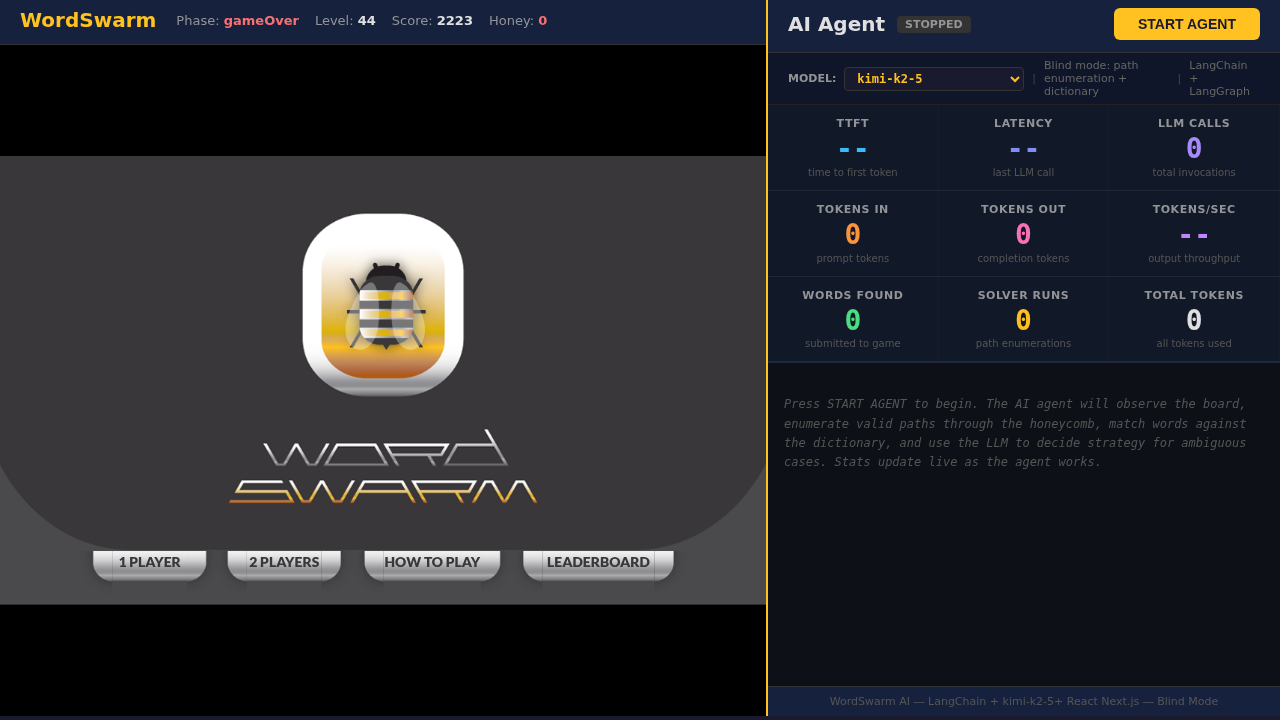
Welcome to the WordSwarm AI workshop! In this hands-on session, you’ll experiment with LLM reasoning modes and benchmark model performance using models from a live AI agent word game.
You’ll work in a terminal making API calls and running benchmarks. The WordSwarm game showcases the models in action — during the exercises you’ll watch AI agents play, try playing yourself, and see how reasoning and performance metrics play out in real-time.
What you’ll learn
In this workshop, you will:
-
Experiment with reasoning models — toggle thinking on/off via API calls and observe effects on quality, latency, and token consumption
-
Benchmark MaaS models — use GuideLLM to measure throughput, latency, TTFT, and ITL on models served via OpenShift
-
Discover performance insights — see how GPU allocation affects both raw speed and task performance
Understanding and navigating the workshop UI
The workshop interface is designed to let you read instructions while working in your environment.
Left panel: Workshop instructions and content
Right panel: Embedded environment for hands-on exercises
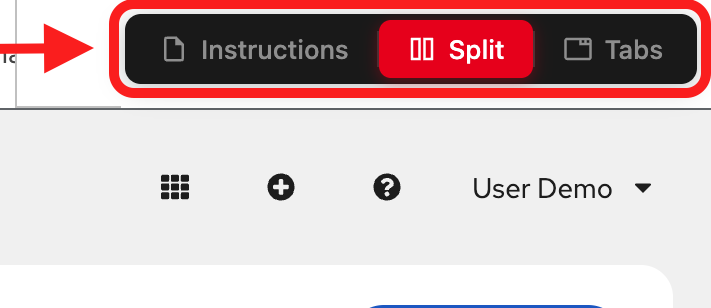
View modes (top navigation):
-
Instructions: Full-page instructions (hide environment tabs)
-
Split: Side-by-side view (current default) - see both instructions and environment
-
Tabs: Full-page environment (hide instructions)
Adjusting the layout: In Split mode, drag the middle divider left or right to resize the panels.
The game
WordSwarm is a honeycomb word puzzle where you find hidden words by connecting adjacent hexagonal cells. Each word is 3-6 letters long, and you race against a honey meter that drains over time.
We took a 14-year-old open source word game (originally built for Intel in 2012) and bolted an AI agent onto it. We migrated it from Java/Tomcat/jQuery to React/Next.js, wrote a blind solver in Python, wired it up to LangGraph, and pointed four different LLMs at the leaderboard to see which would come out on top.

The AI agent
The agent plays in blind mode — it never sees the answer key. Instead, it:
-
Enumerates paths through the 17-cell hex grid using depth-first search (~4ms)
-
Matches against a dictionary using hash set lookups (1,677 words)
-
Resolves ambiguity via LLM when multiple words match the same hint
-
Submits words faster than the honey drains
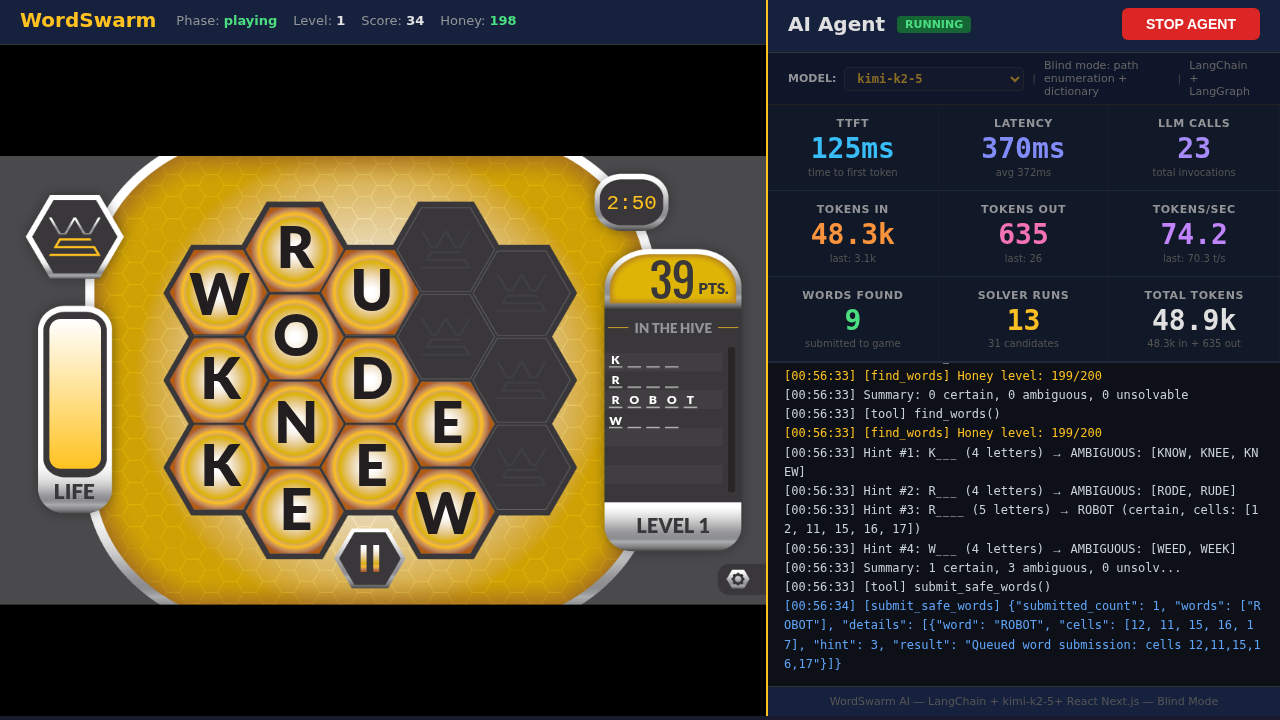
The agent uses LangGraph with the ReAct (Reason + Act) pattern — at each step it observes the board, decides which tool to call, and adapts based on game state.
Understanding the metrics
As you watch agents play or run benchmarks, you’ll see these key metrics:
| Metric | What It Means |
|---|---|
TTFT |
Time to First Token — how long before the model starts responding |
ITL |
Inter-Token Latency — time between tokens during generation |
Latency |
Total wall-clock time for each LLM call |
Tokens/sec |
Output token generation speed |
Tokens In/Out |
Input prompt tokens / output completion tokens (drives cost in production) |
The leaderboard
We tested 4 models from our Model-as-a-Service (MaaS) platform, ranging from a tiny 3B-parameter model on a single GPU slice to a massive reasoning model with 8x H200 GPUs.
The results might surprise you: the model with the highest score wasn’t the fastest, and the most accurate model didn’t win.
In this workshop, you’ll discover why reasoning capability matters more than raw speed for complex tasks — and measure the performance trade-offs yourself.
Who this is for
This workshop is designed for AI/ML engineers, platform engineers, and developers who want hands-on experience with:
-
LLM reasoning capabilities and how to control them via API
-
Model benchmarking with GuideLLM
-
Model-as-a-Service (MaaS) on OpenShift with vLLM
Experience level: Beginner to Intermediate