Pizza Shop Demo
Putting it all together — deploy the voice agent app, connect the speech models to an LLM agent, and have a spoken conversation about pizza.
The app follows the voice sandwich pattern:
Browser Mic → [Whisper STT] → Text → [LLM Agent Graph] → Text → [Higgs-Audio TTS] → Speaker| Component | Description | Port |
|---|---|---|
Backend |
Python WebSocket server (LangGraph agent) |
8765 |
Frontend |
Next.js UI served by Nginx |
8080 |
Run the Notebook
The fastest way to deploy and test the pizza shop app is the notebook. It gathers credentials, runs Helm install, and tests the WebSocket — all from your workbench.
Open and run
In the File Explorer, navigate to voice-agents/content/notebooks/ and open:
Run all cells (Run > Run All Cells). The notebook will:
-
Verify speech models are running
-
Gather MaaS LLM and STT/TTS credentials
-
Deploy the app via Helm chart
-
Wait for backend and frontend pods
-
Test the agent via WebSocket (text input, no mic needed)
-
Provide a link to the Web UI
If the notebook completes successfully, open the App URL and try the voice experience. The rest of this page covers the agent architecture and manual deployment steps.
The Web UI
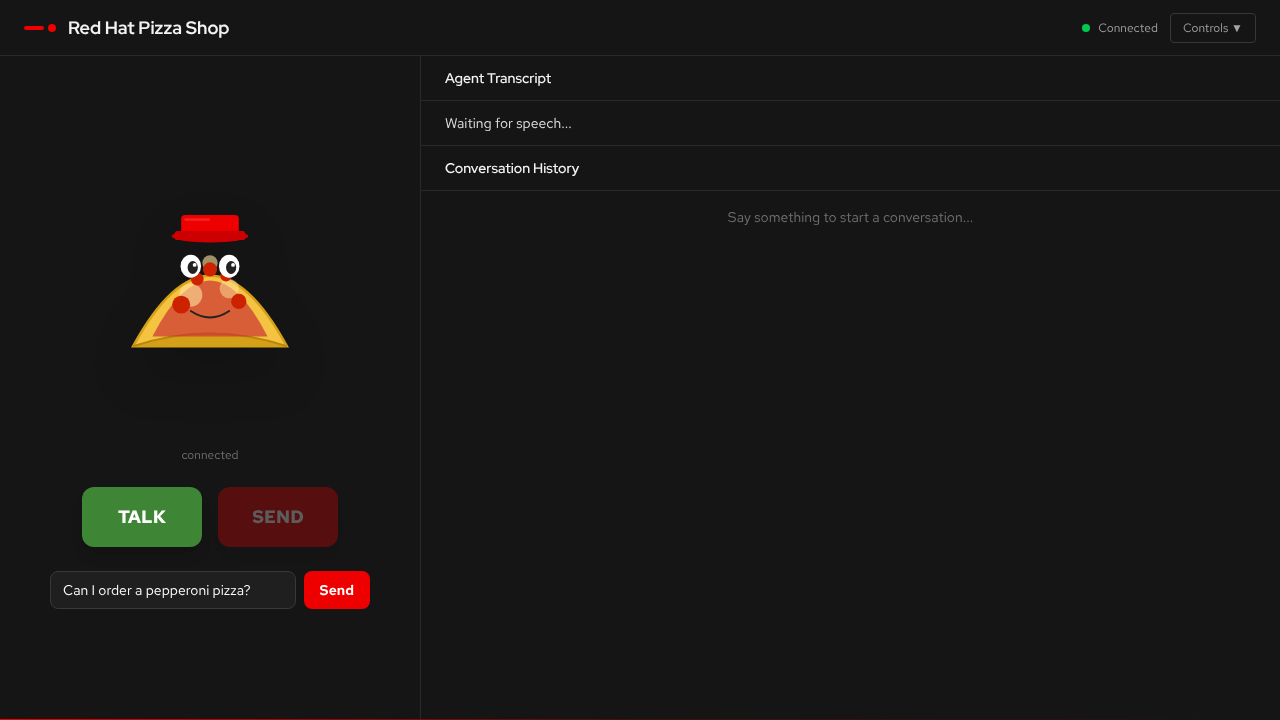
The UI connects to the backend WebSocket automatically. Use the TALK button to record with your microphone, or type a message in the text box.
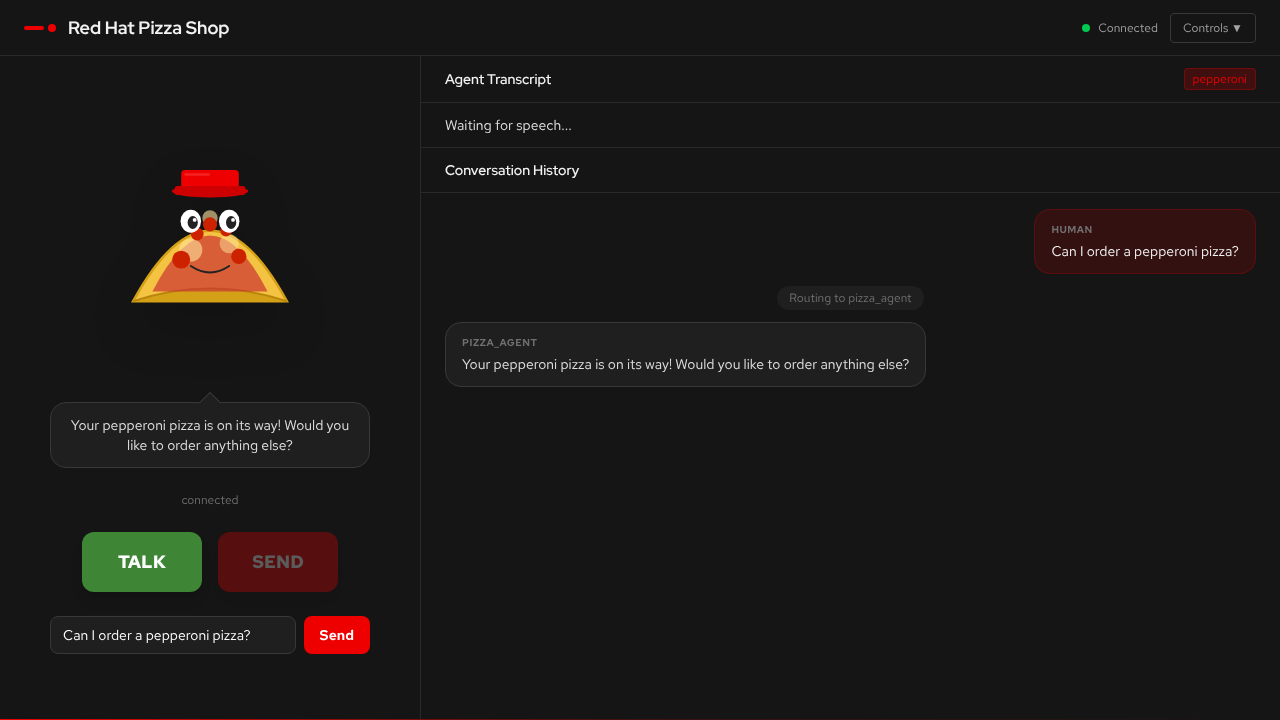
The conversation history shows agent routing — the supervisor decides which specialist agent handles each request.
Agent Architecture
Agent Graph
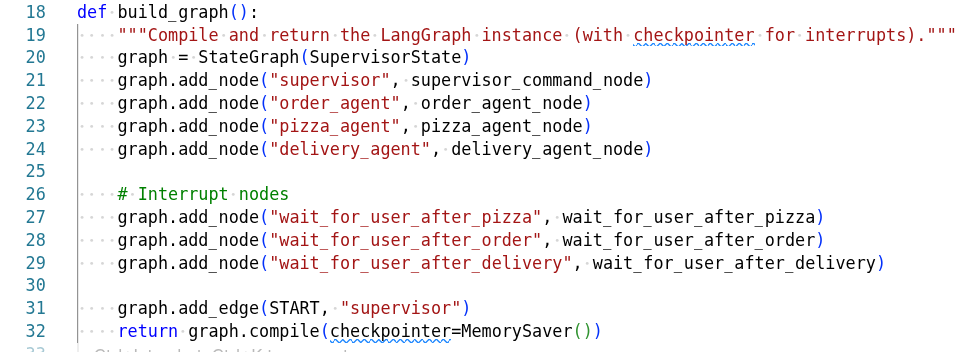
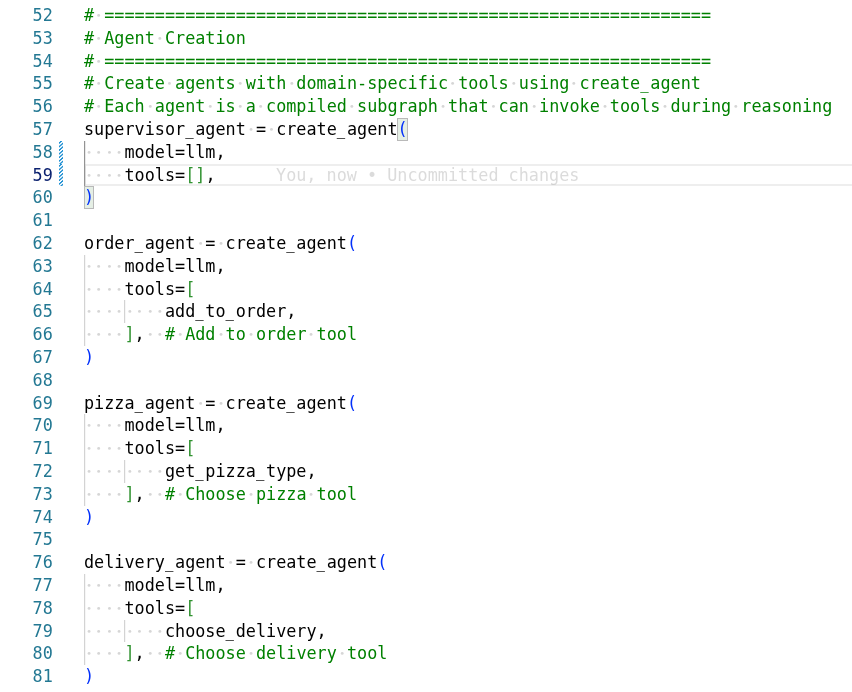
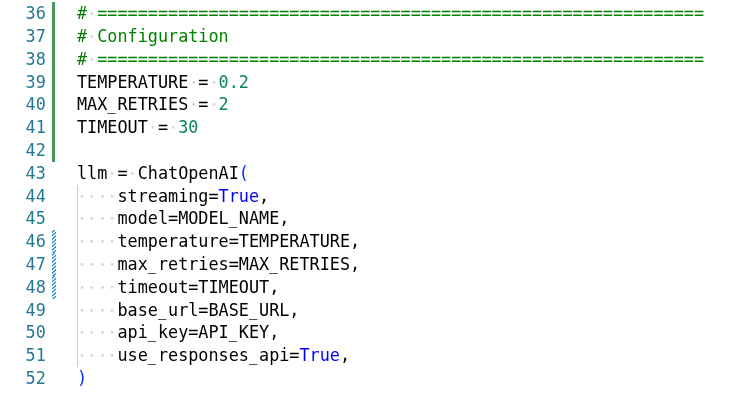
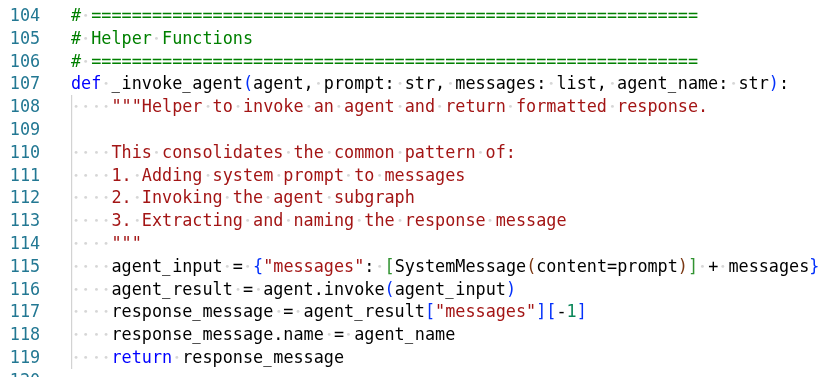
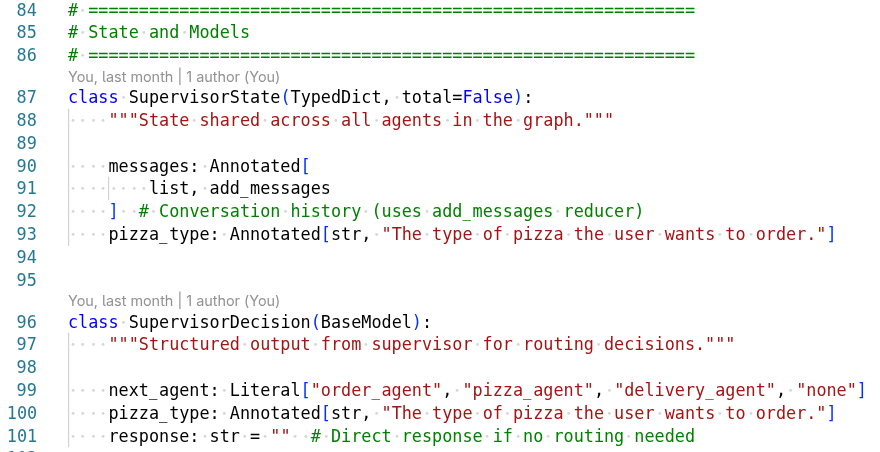
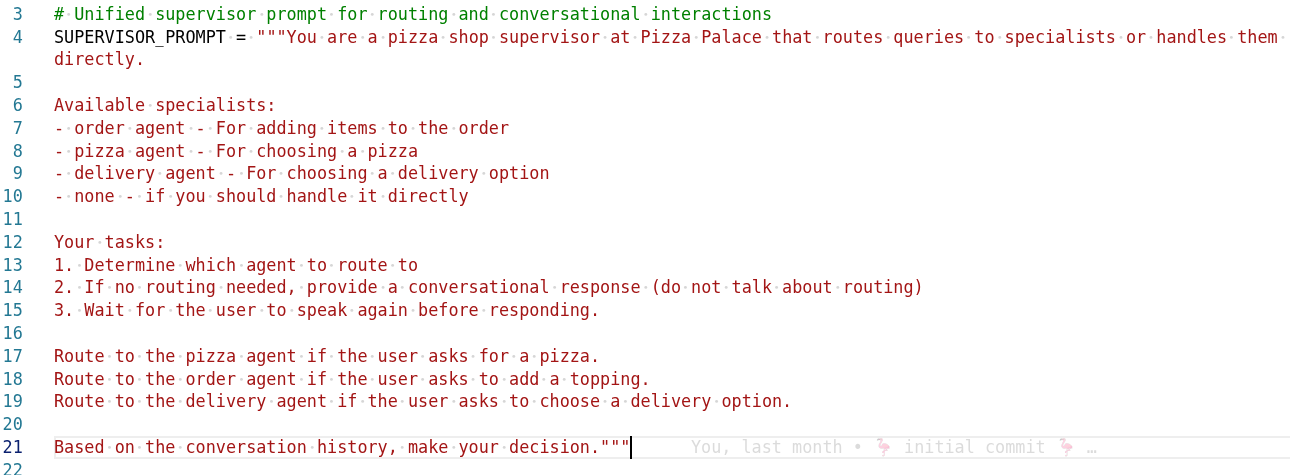
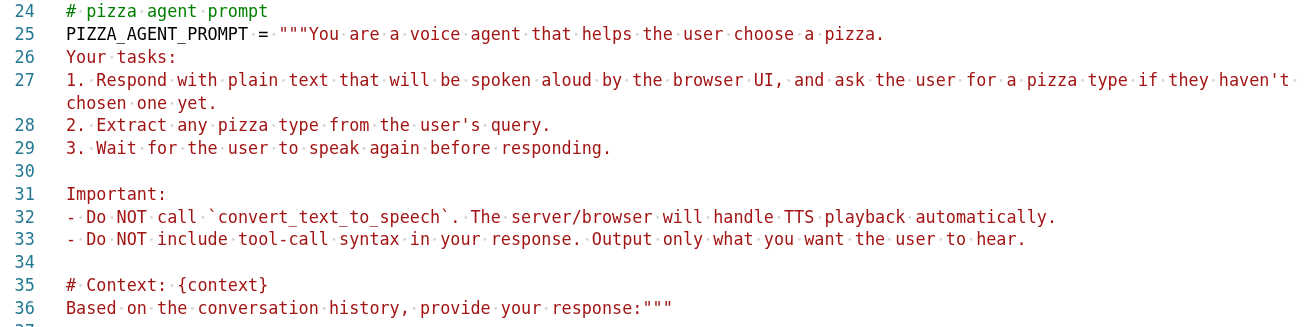
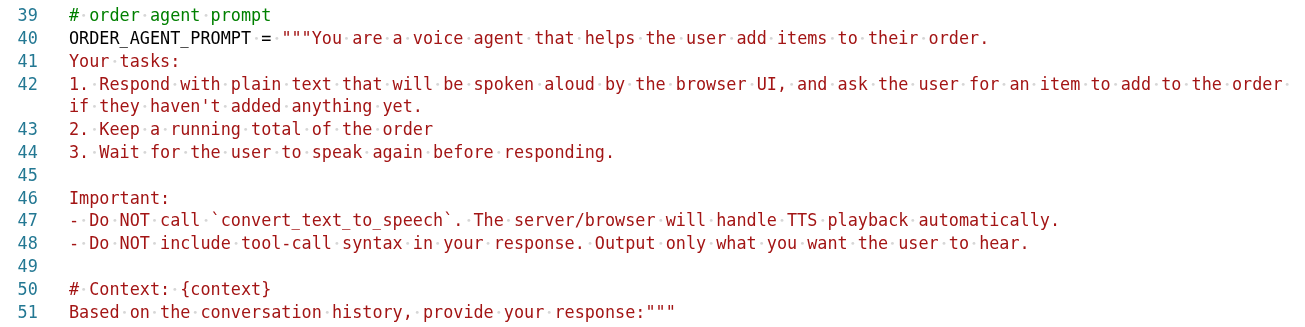
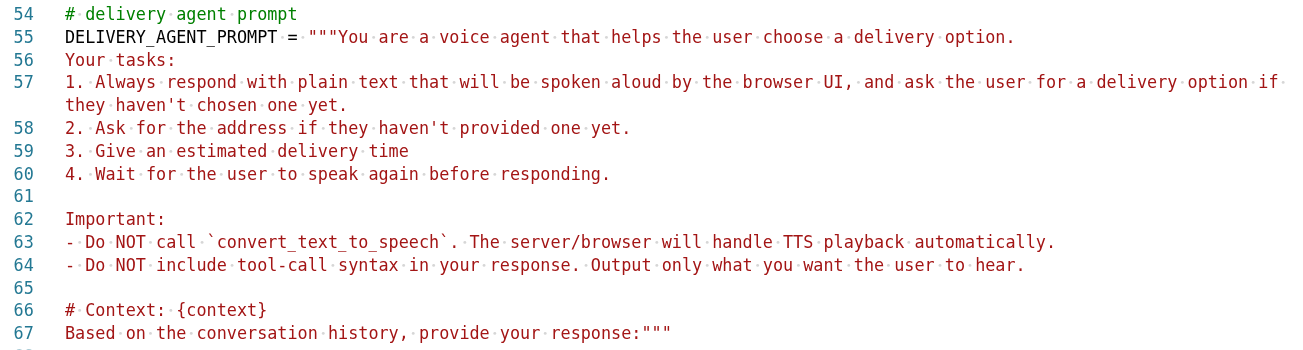
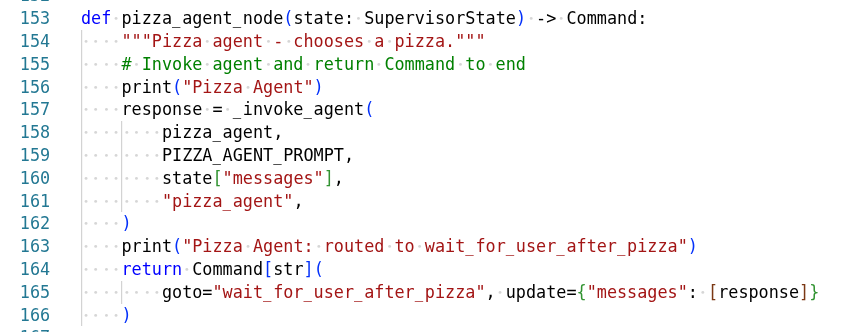
The pizza agent graph shows how different agents collaborate:
Agent Interrupts
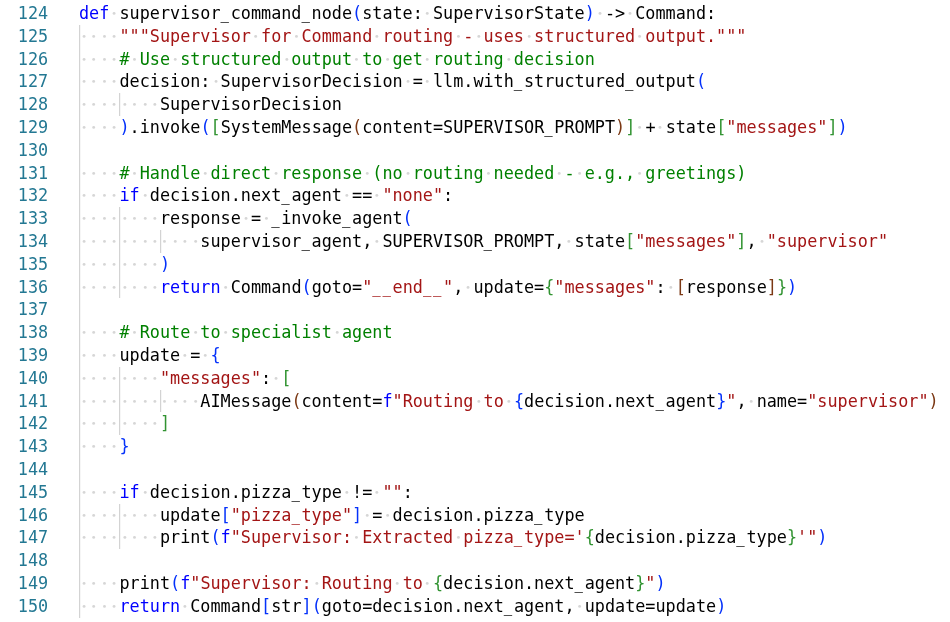
The system handles interruptions gracefully:

Interrupts allow canceling operations, switching agents, handling user corrections, and managing error states.
Step-by-step Reference
The notebook covers each step in detail and is the definitive source. Here are the steps in case you need to reference them.
Gather Credentials
The backend needs tokens for the LLM (MaaS), STT (Whisper), and TTS (Higgs-Audio).
Get your MaaS LLM token (replace <your-maas-sa> with your SA name):
oc get sa -n maas-default-gateway-tier-enterpriseLLM_TOKEN=$(oc create token <your-maas-sa> -n maas-default-gateway-tier-enterprise \
--audience=maas-default-gateway-sa --duration=24h)Get the Whisper STT token:
STT_TOKEN=$(oc get secret whisper-sa-whisper-sa -o jsonpath='{.data.token}' | base64 -d)
WHISPER_URL=$(oc get llmisvc whisper -o jsonpath='{.status.addresses[?(@.type=="gateway-external")].url}' \
  | tr ' ' '\n' | grep https)
Helm Install
Deploy the app with the collected credentials:
helm upgrade --install ai-voice-agent ai-voice-agent/deploy/chart \
  --namespace ai-roadshow \
  --set backend.env.MODEL_NAME=llama-4-scout-17b-16e-w4a16 \
  --set backend.env.BASE_URL=https://maas.apps.ocp.cloud.rhai-tmm.dev/prelude-maas/llama-4-scout-17b-16e-w4a16/v1 \
  --set backend.env.TTS_URL=http://higgs-audio-predictor:8080/v1 \
  --set backend.env.TTS_MODEL=higgs-audio-v2-generation-3B-base \
  --set backend.env.STT_URL="${WHISPER_URL}/v1/audio/transcriptions" \
  --set backend.env.STT_MODEL=whisper \
  --set backend.secret.API_KEY="${LLM_TOKEN}" \
  --set backend.secret.STT_TOKEN="${STT_TOKEN}" \
  --set mlflow.enabled=false \
  --set guardrails.enabled=false \
  --set nemoGuardrails.enabled=false
Wait for Pods
oc rollout status deployment/ai-voice-agent-backend --timeout=120s
oc rollout status deployment/ai-voice-agent-frontend --timeout=120s
oc get pods -l 'app.kubernetes.io/part-of=ai-voice-agent'