LB2391: Accelerating Infrastructure Modernization with OpenShift Virtualization
Welcome to Red Hat Summit 2026!
Many of our labs are intended to demonstrate OpenShift Virtualization as a technology or demonstrate some basic featuresets or operations in the environment to assuage the concerns of customers that are new to the platform entirely or have a basic understanding of the Red Hat OpenShift platform. Many of these customers are migrating from a traditional hypervisor where virtualization is their only concern, and the concept of modernization by integrating other technologies and workflows has never crossed their mind. Thus we have the primary purpose of this lab, which is to demonstrate the use of OpenShift Virtualization from a modernized point of view, using new tools and integrations such as OpenShift Lightspeed, and actual workflows using virtual machines and containers to demonstrate how these two technologies can be used together in the application lifecycle. This also includes demonstrations of how concepts of advanced networking, policy-driven operations, and version-controlled configurations can help realize a modernized approach to working with virtual machines and the applications that depend on them.
Value prop
Why use containers and virtualization together?
-
Running containers and virtual machines together on Red Hat OpenShift allows teams to modernize at their own pace, supporting existing VM-based workloads while building new cloud-native applications on a single, consistent platform.
Why use GitOps to deploy virtualized environments?
-
By managing virtualized environments as code with GitOps and Argo CD, teams are able to simplify deployment and day-2 operations while accelerating provisioning and maintaining governance and consistency.
How does a Service Mesh affect the way my applications function?
-
With a service mesh such as Istio, teams can manage traffic, security, and visibility uniformly across containerized workloads and VMs on OpenShift, supporting a unified hybrid application platform.
How can I extend operations at the user level for self-service?
-
Self-service is enabled by combining Kubernetes role-based access control (RBAC), templates, and automation so users can provision VMs and applications on demand while platform teams maintain governance and control.
What are the benefits of multicloud operations with OpenShift Virtualization?
-
With the features and benefits of OpenShift, including virtualization, being made available in the cloud as well as on bare metal deployments in the data center, customers are able to develop a true hybrid cloud infrastructure allowing for all of their workloads, container and VM alike, to be available and run, where they need them to run.
Lab summary
These are 3 main modules that will be covered in this lab, as well as one module featuring interactive video demonstrations.
VM Foundations with OpenShift Lightspeed:
-
Attendees will review OpenShift Virtualization basics, and explore how OpenShift Lightspeed can make their jobs easier through assistance with troubleshooting and provisioning workloads.
Service Mesh Integration with Virtual Machines:
-
Attendees will deploy an application that makes use of both containers and virtual machines along with service mesh for advanced network metrics, traffic shaping, and enhanced security in a modernized approach to application management.
Declarative management and automation of VMs with DevHub and GitOps:
-
Attendees will explore the use of Red Hat Developer Hub for the use of curating virtual machines in a declarative manner, and then deploy an application that makes use of GitOps for configuration, deployment, and management of a declarative virtual machine.
OpenShift Virtualization in the Cloud:
-
This interactive video module will demonstrate the deployment and management of OpenShift Virtualization in a number of supported cloud providers.
Lab information
OpenShift cluster environment
|
You will be using a shared OpenShift cluster with OpenShift Virtualization, OpenShift Service Mesh and other components already installed. In this lab you are going to explore and use these services, but not install them. |
Requirements for the lab environment
-
Please read all instructions carefully when carrying out assigned tasks and do not only focus on the images provided.
-
If you are stuck and need assistance, please raise your hand and a proctor will see to you as soon as possible.
-
Each participant needs to have their own computer with a web browser and internet access.
-
A Chromium-based browser is recommended for the best experience.
Lab instructions and commands
Here is an overview of the different types of instructions you’ll find throughout the lab.
echo 'This is a shell command you should execute in the terminal.
You can copy the command with the icon on the right'
echo 'This is a shell command or shell output.
But nothing you need to execute.'This is an example instruction using your web browser or OpenShift Web Console. Just follow the instructions in this box.
Lab login
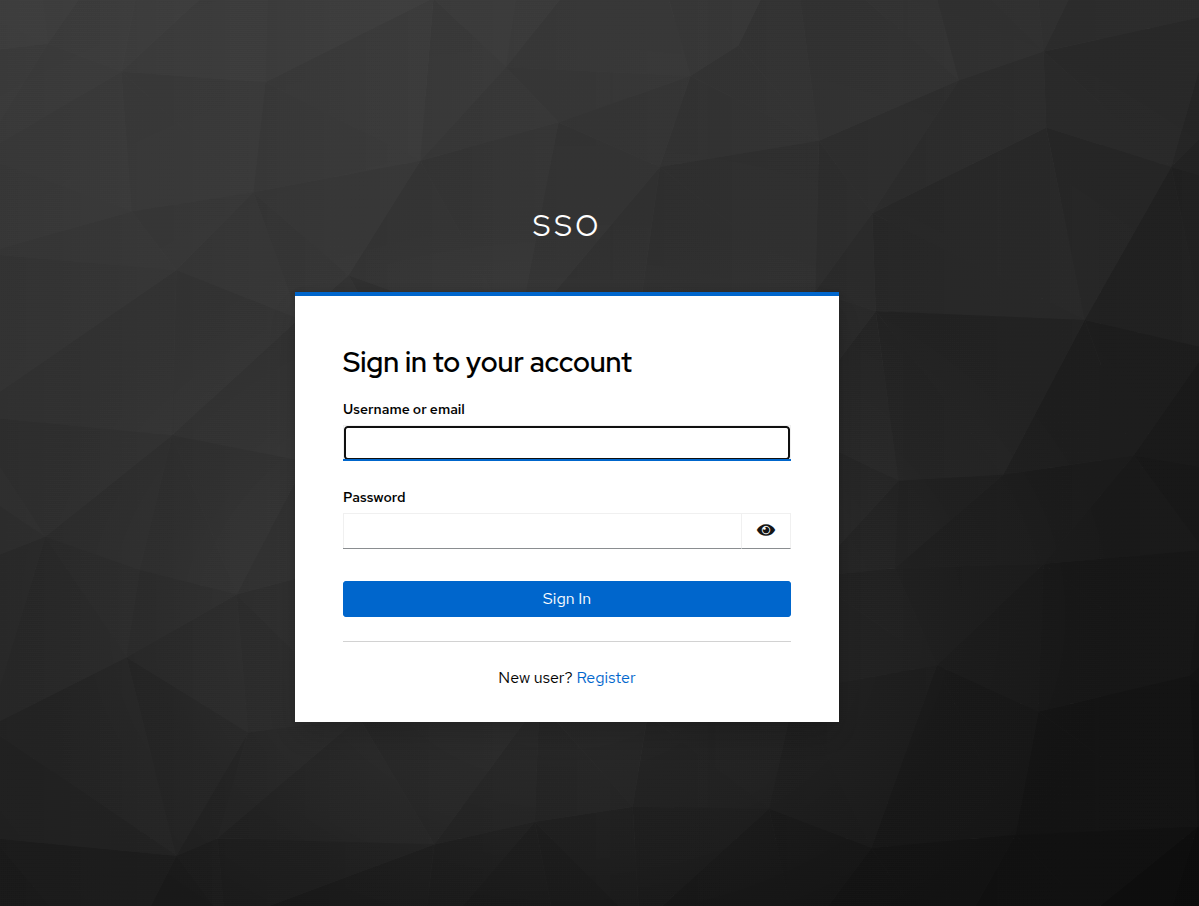
Use the following details to log in to your Red Hat OpenShift Environment:
-
Console: OpenShift web console
-
Username: userX
-
Password: password
| You may launch a new window with the link above, or make use of the embedded console on the right. |
Some of the later modules require the use of a command line, you can authenticate to the embedded terminal on the right by copying and pasting the following command:
oc login -u userX -p password https://api.cluster.example.com:6443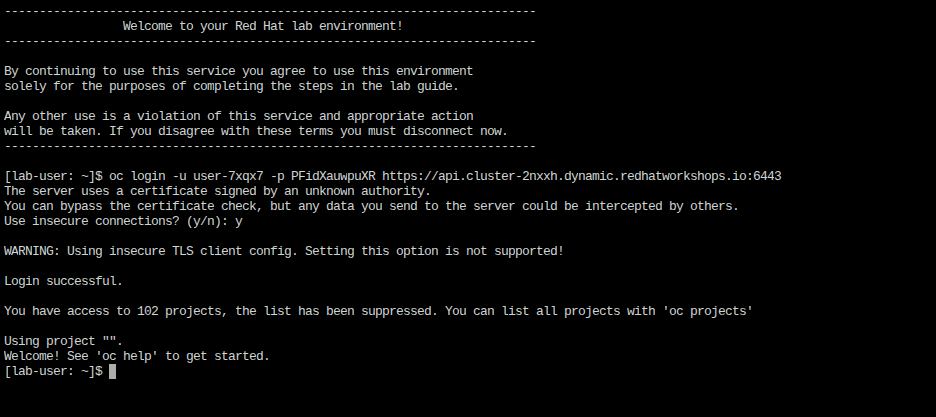
Lab assets
As the last part of this introduction section, you are asked to download and extract a couple of assets and scripts that will be used in the later lab sections.
Using the integrated terminal on your right side, use it to clone the provided repository with the commands shown below:
git clone https://github.com/rhpds/modernize-ocp-virt-workspaceList your cloned directory and confirm that all of the assets are available:
ls -la modernize-ocp-virt-workspace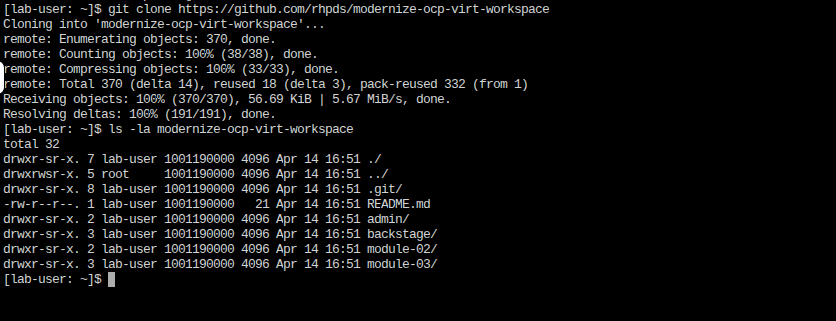
At your leisure you can explore the contents of this repo, but now that the introduction is complete, let’s get started with the lab.