Quarkus Configuration options
Quarkus itself is configured via the same mechanism as your application. Quarkus reserves the quarkus. namespace in application.properties for its own configuration.
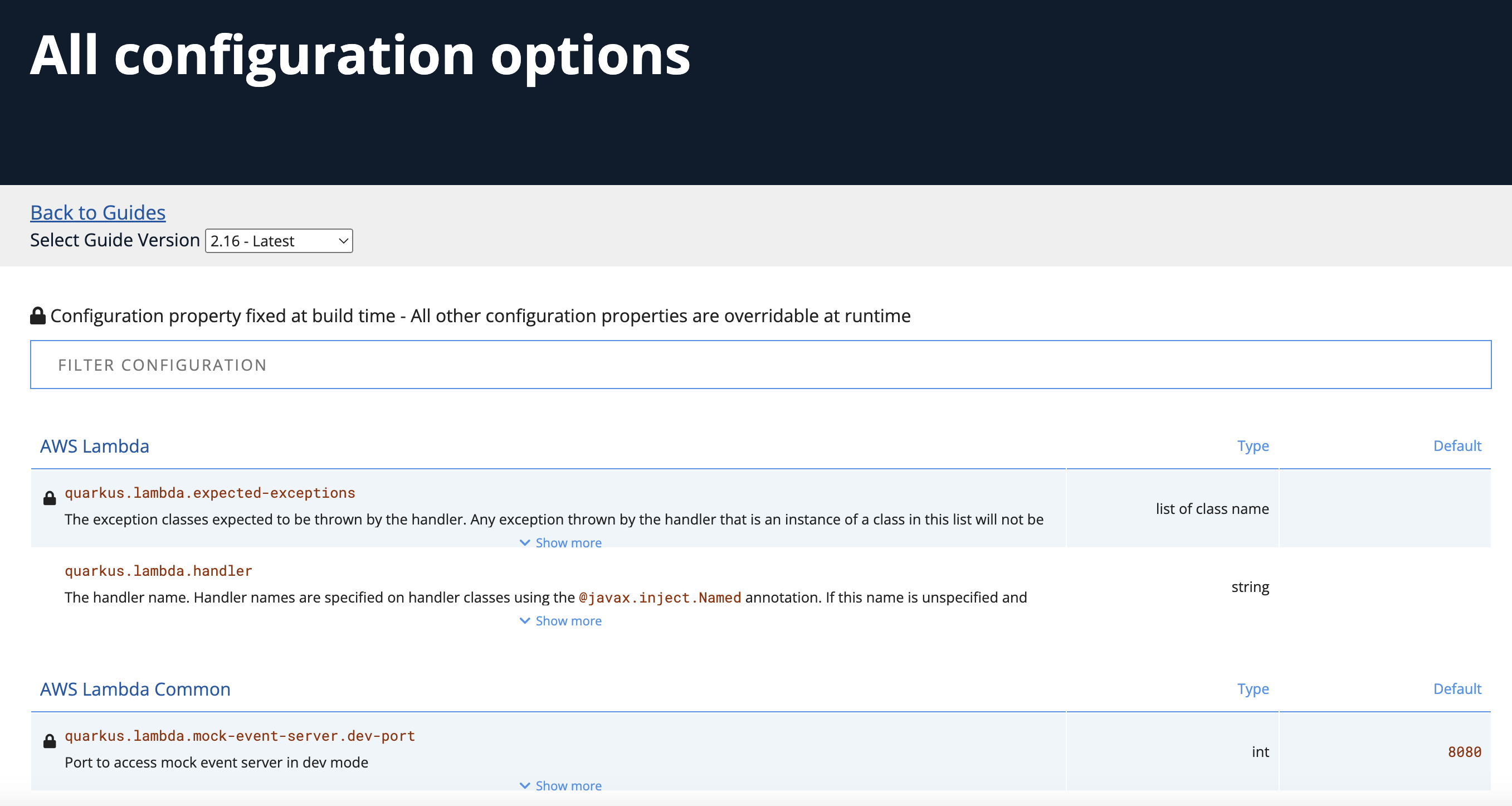
You can find the All configuration options here:
|
Overriding properties at runtime As you have seen, in dev mode, properties can be changed at will and reflected in the running app, however once you are ready to package your app for deployment, you’ll not be running in dev mode anymore, but rather building and packaging (e.g. into fat JAR or native executable.) Quarkus will do much of its configuration and bootstrap at build time. Most properties will then be read and set during the build time step. To change them, you have to stop the application, re-package it, and restart. Extensions do define some properties as overridable at runtime. A canonical example is the database URL, username and password which is only known specifically in your target environment. This is a tradeoff as the more runtime properties are available, the less build time pre-work Quarkus can do. The list of runtime properties is therefore lean. You can override these runtime properties with the following mechanisms (in decreasing priority):
Environment variables names are following the conversion rules of Eclipse MicroProfile Config sources |
Configuration Profiles
Quarkus supports the notion of configuration profiles. These allow you to have multiple configuration values in application.properties and select between then via a profile name.
The syntax for this is %{profile}.config.key=value. For example if I have the following: (do not copy this code!):
quarkus.http.port=9090
%dev.quarkus.http.port=8181
The Quarkus HTTP port will be 9090, unless the dev profile is active, in which case it will be 8181.
By default Quarkus has three profiles, although it is possible to use as many as you like (just use your custom profile names in application.properties and when running the app, and things will match up). The default profiles are:
-
dev- Activated when in development mode (i.e.mvn quarkus:dev) -
test- Activated when running tests (i.e.mvn verify) -
prod- The default profile when not running indevortestmode
Exercise Configuration Profile
Let’s give this a go. In your application.properties, add a different message.prefix for the prod profile. To do this, change the content of the greeting. properties in application.properties to be:
greeting.message=hi
greeting.name=quarkus in dev mode
%prod.greeting.name=production quarkus
Verify that in dev mode (which you’re currently running in) that:
curl http://localhost:8080/helloproduces hi quarkus in dev mode!.
Next, let’s re-build the app as an executable JAR (which will run with the prod profile active).
Build an executable JAR using the following command:
mvn clean package -DskipTestsNext, run the fast jar using the following command:
java -Dquarkus.http.port=8081 -jar target/quarkus-app/quarkus-run.jarNotice we did not specify any Quarkus profile. When not running in dev mode (mvn quarkus:dev), and not running in test mode (mvn verify), then the default profile is prod.
While the app is running, open a separate Terminal window and test it by running:
curl http://localhost:8081/helloWhat did you get? You should get hi production quarkus! indicating that the prod profile was active by default. In other sections in this workshop we’ll use this feature to override important variables like database credentials.
|
In this example we read configuration properties from |