Accessing liveness and readiness separately
Quarkus apps can access the two different types using two different endpoints (/health/live and /health/ready). This is useful when configuring Kubernetes with probes which we’ll do later, as it can access each separately (and configure each with different timeouts, periods, failure thresholds, etc).
For example, you may want the Readiness probe to wait for 30 seconds before starting, but Liveness should wait 2 minutes and only wait 10 seconds between retries.
-
Access the two endpoints. Each endpoint will only report on its specific type of probe:
-
The following command displays only the two Liveness probes.
curl http://localhost:8080/q/health/liveOutput:
{ "status": "UP", "checks": [ { "name": "Health check with data", "status": "UP", "data": { "foo": "fooValue", "bar": "barValue" } }, { "name": "Database connection health check", "status": "UP" } ] } -
The following command displays only the single Readiness Probe.
curl http://localhost:8080/q/health/readyOutput:
{
    "status": "UP",
    "checks": [
        {
            "name": "Simple health check",
            "status": "UP"
        }
    ]
}
-
-
Go back to Dev UI and select
Healthin SmallRye Health extension: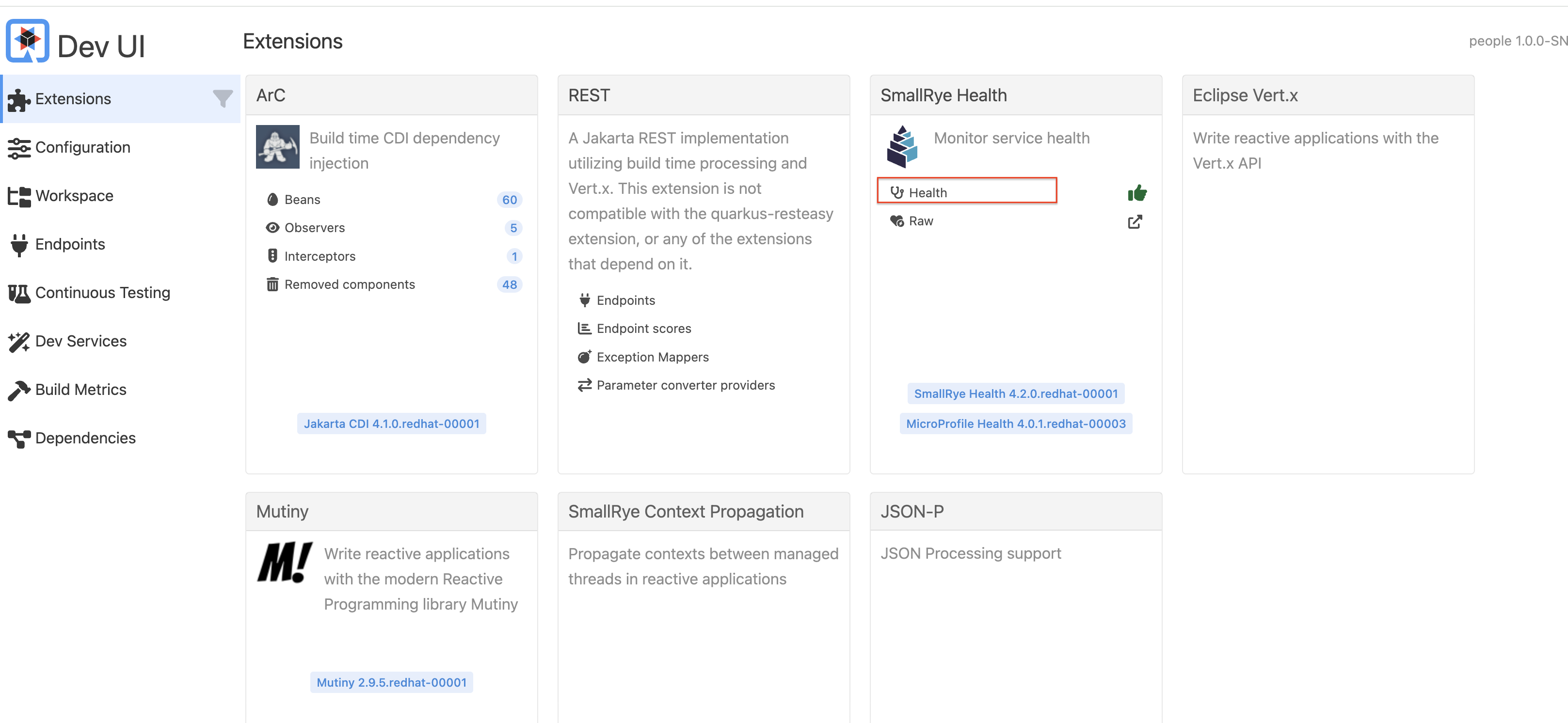
-
It shows all health checks:
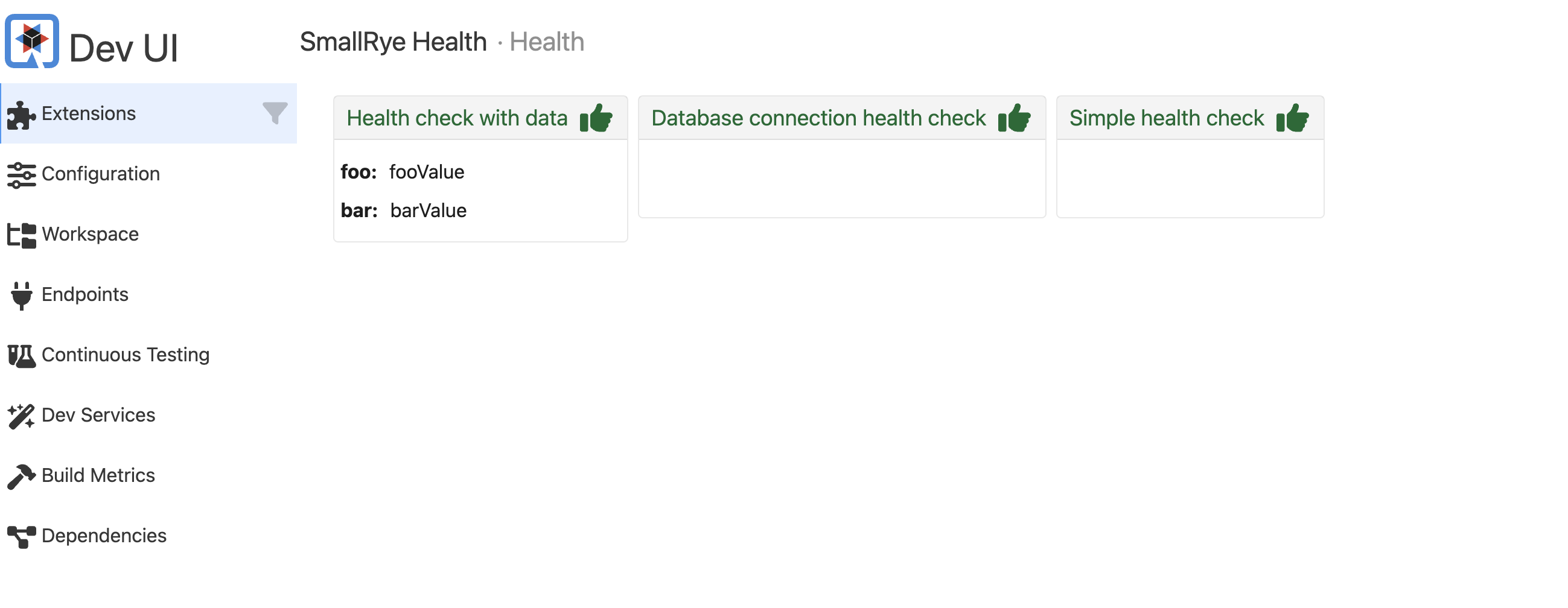
Later, when we deploy this to our Kubernetes cluster, we’ll configure it to use these endpoints.