Starting Continuous Testing
-
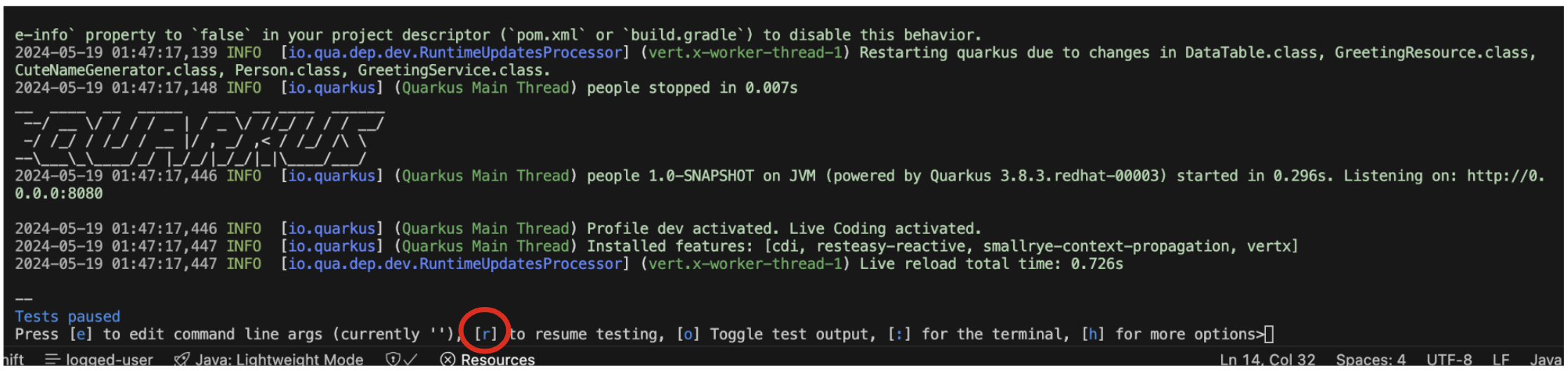
Go back to the terminal and at the bottom of the screen you should see the following:
-
Press
rto initate continuous testing. You should see the status change down the bottom of the screen as they are running, and it should finish with the following error: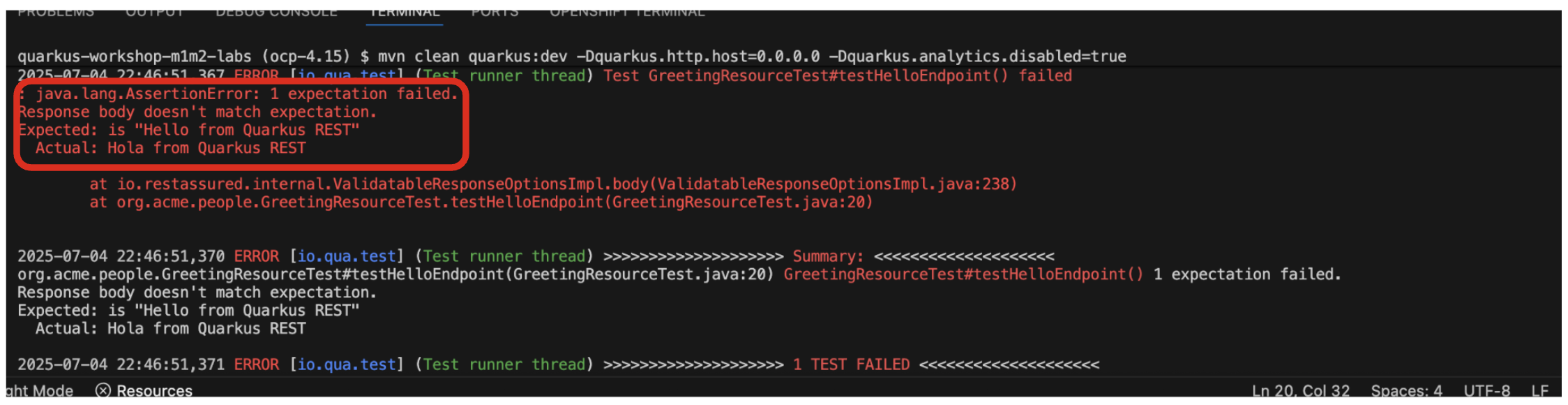
-
This is because you changed the greeting in an earlier step. In
GreetingResource, changeHolaback toHello(in theGreetingResourceclass) and the tests will run again automatically. -
Confirm all tests pass in the terminal:
INFO [io.qua.test] (Test runner thread) All tests are now passing -- All 1 test is passing (0 skipped), 1 test was run in 351ms. Tests completed at 01:19:02 due to changes to GreetingResource.class. Press [e] to edit command line args (currently ''), [r] to re-run, [o] Toggle test output, [:] for the terminal, [h] for more options> -
Add a new test to the existing
GreetingResourceTest.javaclass under the// add more testsmarker that tests the/hello/greetingendpoint by copying this code below the existing test:@Test public void testGreetingEndpoint() { given() .pathParam("name", "quarkus") .when().get("/hello/greeting/{name}") .then() .statusCode(200) .body(startsWith("hello ")); } -
You will see the new test result instantly in the terminal:
--
All 2 tests are passing (0 skipped), 2 tests were run in 401ms. Tests completed at 01:20:05 due to changes to GreetingResourceTest.class.
Press [e] to edit command line args (currently ''), [r] to re-run, [o] Toggle test output, [:] for the terminal, [h] for more options>