Testing
Quarkus supports continuous testing, where tests run immediately after code changes have been saved. This allows you to get instant feedback on your code changes. Quarkus detects which tests cover which code, and uses this information to only run the relevant tests when code is changed.
In this step we’ll show you how to effectively write functional and continuous testing for your Quarkus Apps. You should already have a completed test written for you, including the correct pom.xml setup where you should see 2 test dependencies:
<dependency>
    <groupId>io.quarkus</groupId>
    <artifactId>quarkus-junit5</artifactId>
    <scope>test</scope>
</dependency>
<dependency>
    <groupId>io.rest-assured</groupId>
    <artifactId>rest-assured</artifactId>
    <scope>test</scope>
</dependency>
quarkus-junit5 is required for testing, as it provides the @QuarkusTest annotation that controls the testing framework. rest-assured is not required but is a convenient way to test HTTP endpoints, we also provide integration that automatically sets the correct URL so no configuration is required.
The basic test is in the GreetingResourceTest (in the src/test/java/org/acme/people directory). For example:
@QuarkusTest
public class GreetingResourceTest {
    @Test
    public void testHelloEndpoint() {
        given()
          .when().get("/hello")
          .then()
             .statusCode(200)
             .body(is("Hello from Quarkus REST"));
    }
}|
When creating new tests, always double-check to be sure you are in the 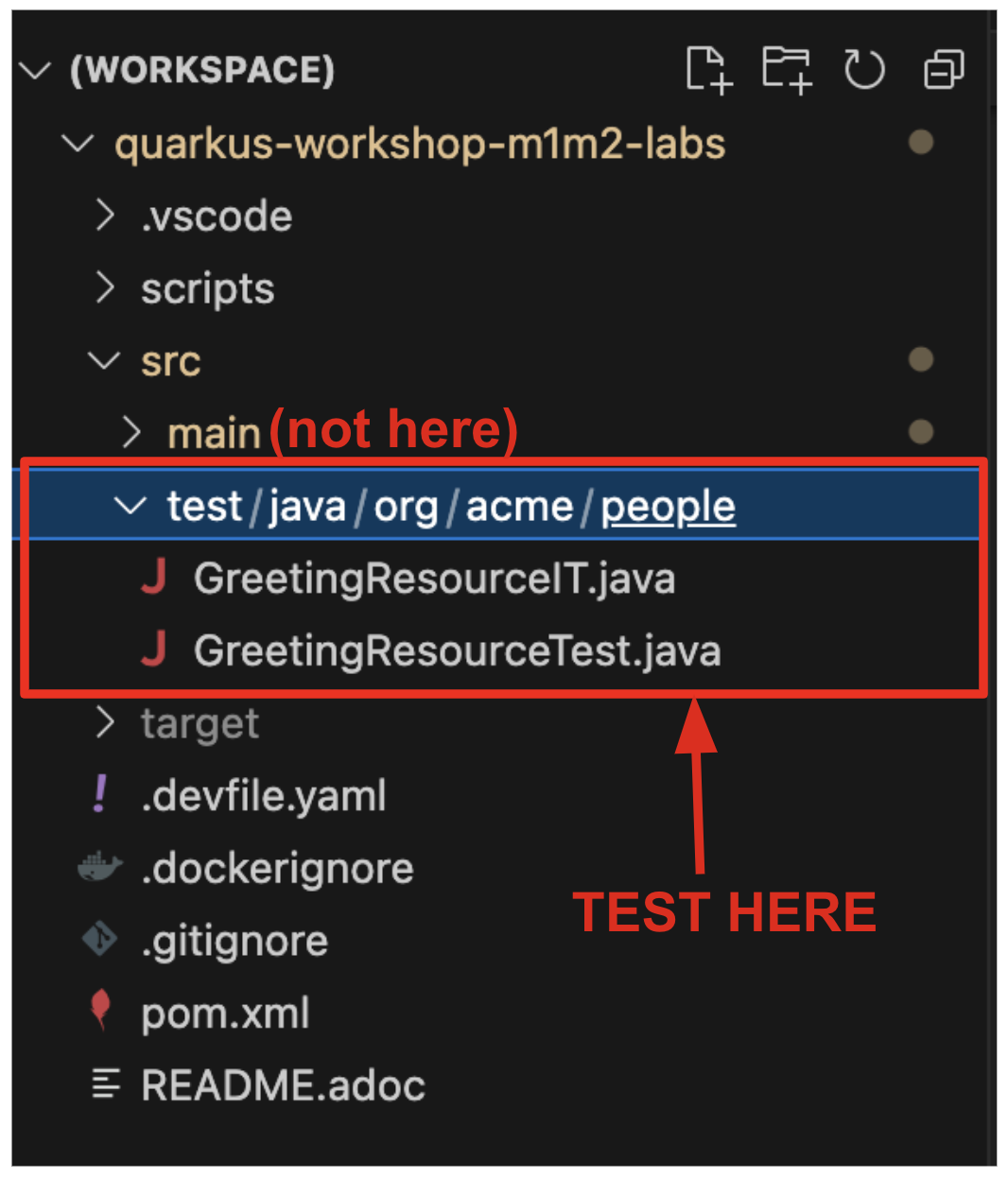
|