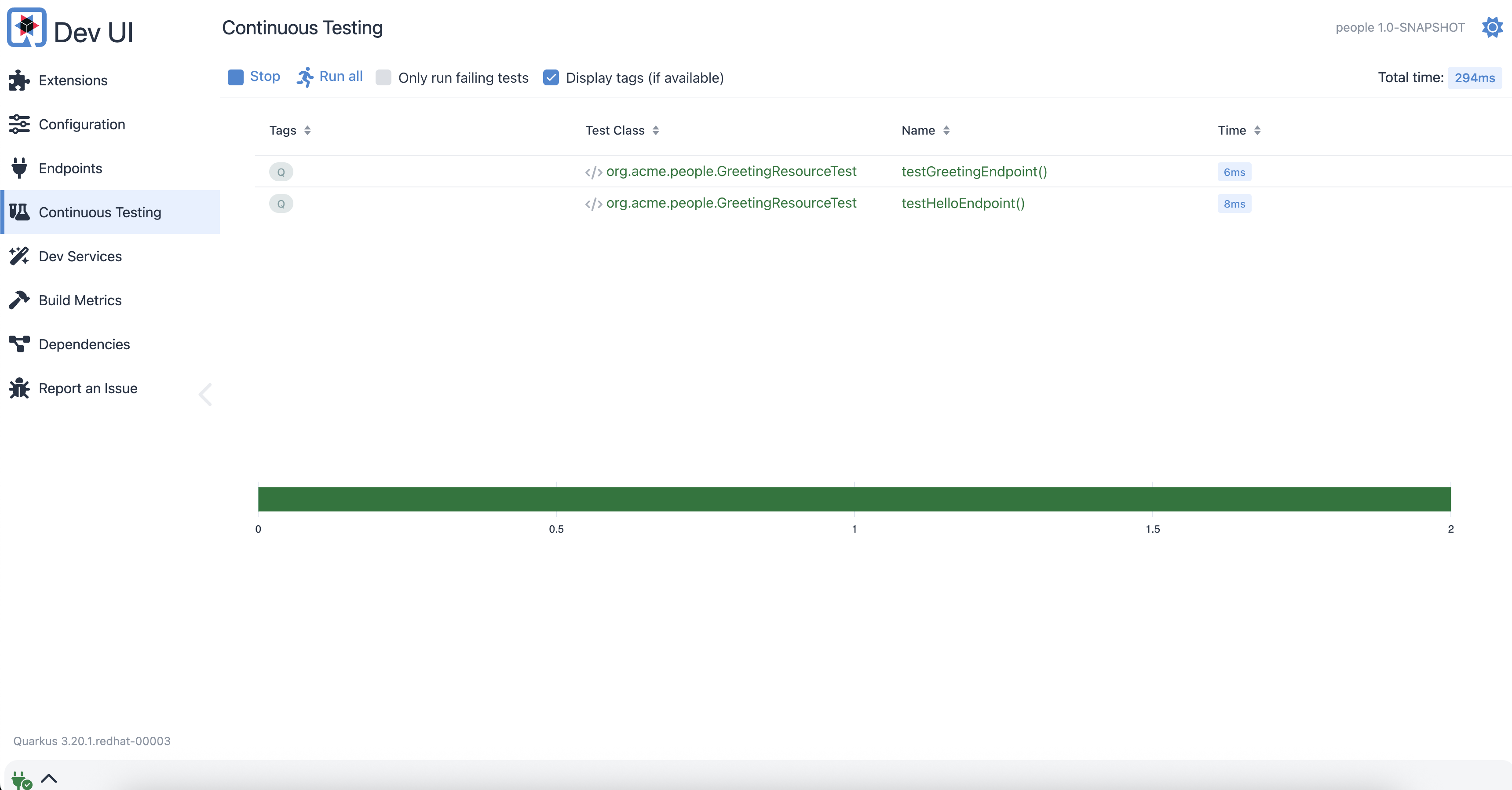
Quarkus Dev UI for Testing
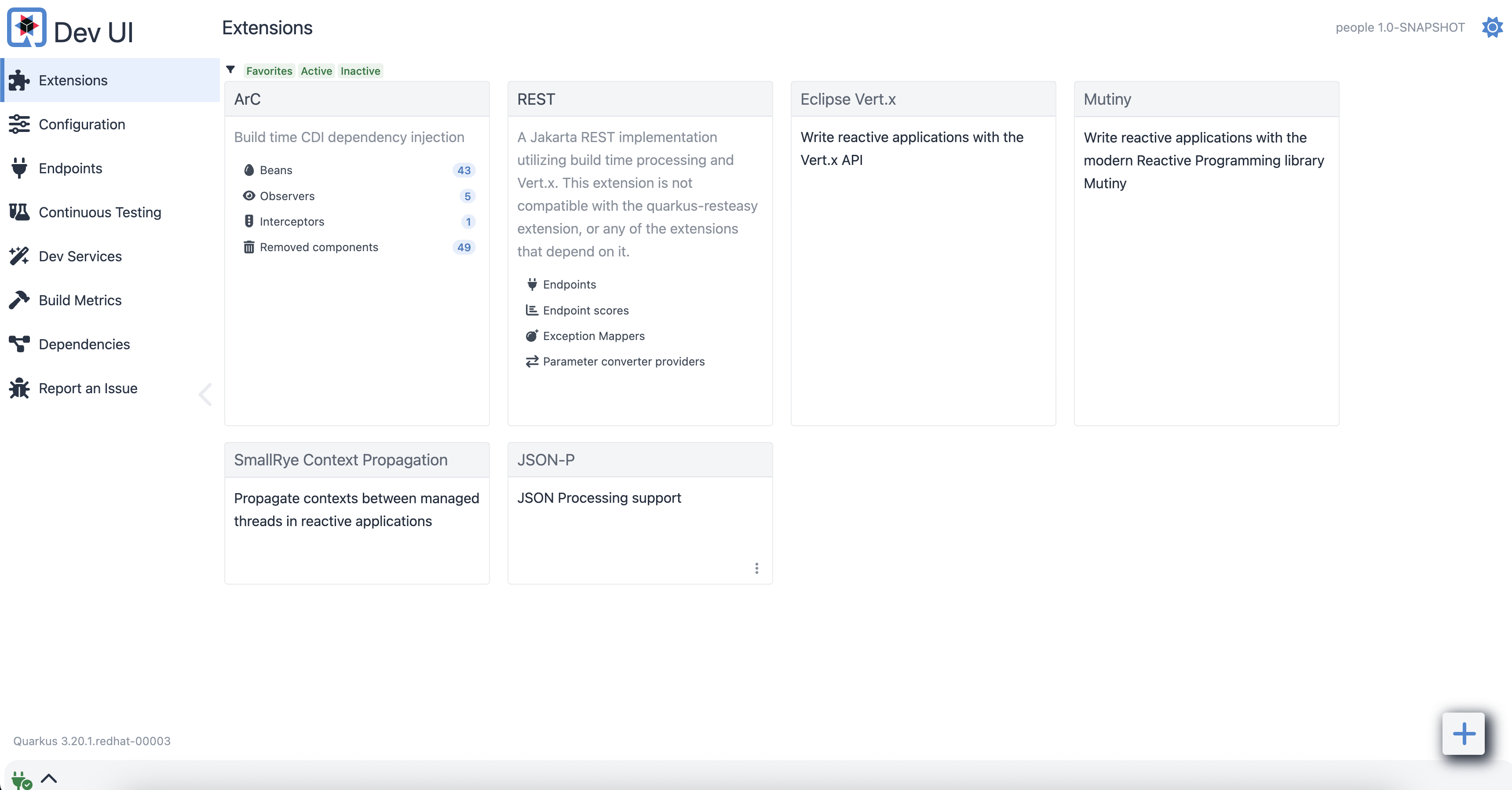
Quarkus also provides a new experimental Dev UI, which is available in dev mode (when you start quarkus with mvn quarkus:dev) at /q/dev by default. It allows you to quickly visualize all the extensions currently loaded, see their status and go directly to their documentation.
-
Access the Quarkus Dev UI
-
Select
Continuous Testingon the left menu, you will that see 2 test cases passed with a green color.